How To Animate Characters in Premiere Pro – Full Editing Course
عدد الدروس : 1 عدد ساعات الدورة : 00:40:32 شهادة معتمدة : نعم التسجيل في الدورة للحصول على شهادةللحصول على شهادة
- 1- التسجيل
- 2- مشاهدة الكورس كاملا
- 3- متابعة نسبة اكتمال الكورس تدريجيا
- 4- بعد الانتهاء تظهر الشهادة في الملف الشخصي الخاص بك
عن الدورة
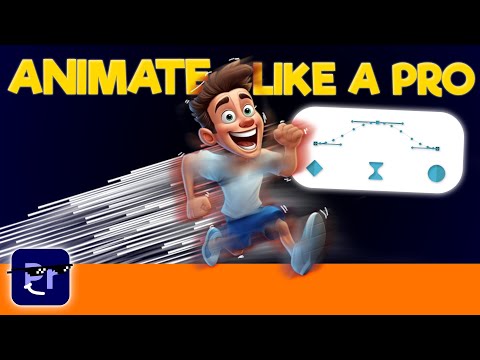
This full course teaches you how to animate characters in Adobe Premiere Pro using simple and effective techniques suitable for beginners and intermediate editors. The course focuses on turning static visuals into dynamic animations using Premiere Pro’s built-in tools without requiring advanced software.
You will start by understanding the basics of animation inside Premiere Pro, including keyframes, motion settings, and timeline control. These fundamentals are essential for creating smooth character movement and transitions.
The course then guides you through practical animation workflows, showing how to bring characters to life using position changes, scaling, rotation, and opacity adjustments. You will also learn how to combine multiple effects to create more realistic and engaging animations.
In addition, you will explore how to enhance your animations with effects, transitions, and timing adjustments to match music or voiceovers. This helps create professional-quality motion content suitable for social media, YouTube, and creative projects.
The tutorial also introduces useful tips for organizing assets and improving workflow efficiency while working on animation projects inside Premiere Pro.
By the end of this course, you will have a solid understanding of character animation principles inside Adobe Premiere Pro and the ability to create smooth, creative, and engaging animated videos from scratch.


