Figma Design System Masterclass | Colors, Typography & Components
عدد الدروس : 11 عدد ساعات الدورة : 02:39:45 شهادة معتمدة : نعم التسجيل في الدورة للحصول على شهادةللحصول على شهادة
- 1- التسجيل
- 2- مشاهدة الكورس كاملا
- 3- متابعة نسبة اكتمال الكورس تدريجيا
- 4- بعد الانتهاء تظهر الشهادة في الملف الشخصي الخاص بك
قائمة الدروس
عن الدورة
This course teaches you how to build a complete and professional design system using Figma. It focuses on creating a scalable structure that helps designers and teams maintain consistency across all UI projects.
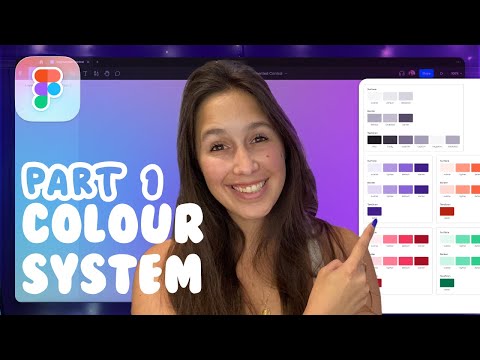
You will start by learning how to build a color system using Figma variables and styles. This helps you manage colors in a flexible and organized way, making updates easier across your entire design system.
Next, the course explains typography systems, showing how to define text styles for headings, body text, and other UI elements. You will also learn how to use variables for properties like border radius and effects to create a unified design language.
A large part of the course focuses on components, including buttons, input fields, checkboxes, radio buttons, avatars, and dropdowns. You will understand how to use variants, properties, and variables to make components reusable and dynamic.
The course also covers interactive components and prototyping, helping you create real UI behavior such as button interactions and form controls.
Additionally, you will learn how to organize and move components between files to improve workflow and team collaboration.
By the end of this course, you will be able to build a full, structured, and scalable design system in Figma ready for real-world product development.


