Revit for Beginners Full Course | Architecture Basics & First Project (Part 1)
عدد الدروس : 1 عدد ساعات الدورة : 01:51:40 شهادة معتمدة : نعم التسجيل في الدورة للحصول على شهادةللحصول على شهادة
- 1- التسجيل
- 2- مشاهدة الكورس كاملا
- 3- متابعة نسبة اكتمال الكورس تدريجيا
- 4- بعد الانتهاء تظهر الشهادة في الملف الشخصي الخاص بك
عن الدورة
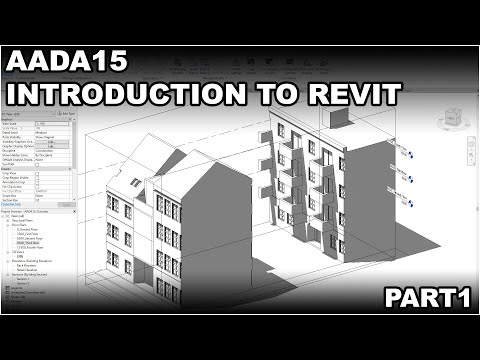
This Revit beginner course is designed for students and beginners who want to learn Autodesk Revit for architecture and Building Information Modeling (BIM). It is part of a structured tutorial series that teaches you how to build architectural models step by step from the very beginning.
You will start by creating a new Revit project and understanding the user interface. The course then introduces essential navigation tools and file setup to help you work efficiently inside the software.
Next, you will learn how to import CAD files and set up site references, which are important in real architectural workflows. The tutorial then guides you through creating gridlines, walls, levels, and elevations to build the structure of your project.
As you continue, you will explore key building elements such as floors, roofs, and sections. You will also learn how to work with different floors and adjust plan views for better accuracy and design control.
By the end of this lesson, you will have a basic architectural model and a strong understanding of Revit fundamentals, giving you the foundation needed to continue into more advanced BIM modeling technique


